Leader in the 2026 Gartner® Magic Quadrant™ for Intranet Packaged Solutions


 CORE CAPABILITES
Connect everyone, with every smart TV, from one source
Connect everyone, with every smart TV, from one source
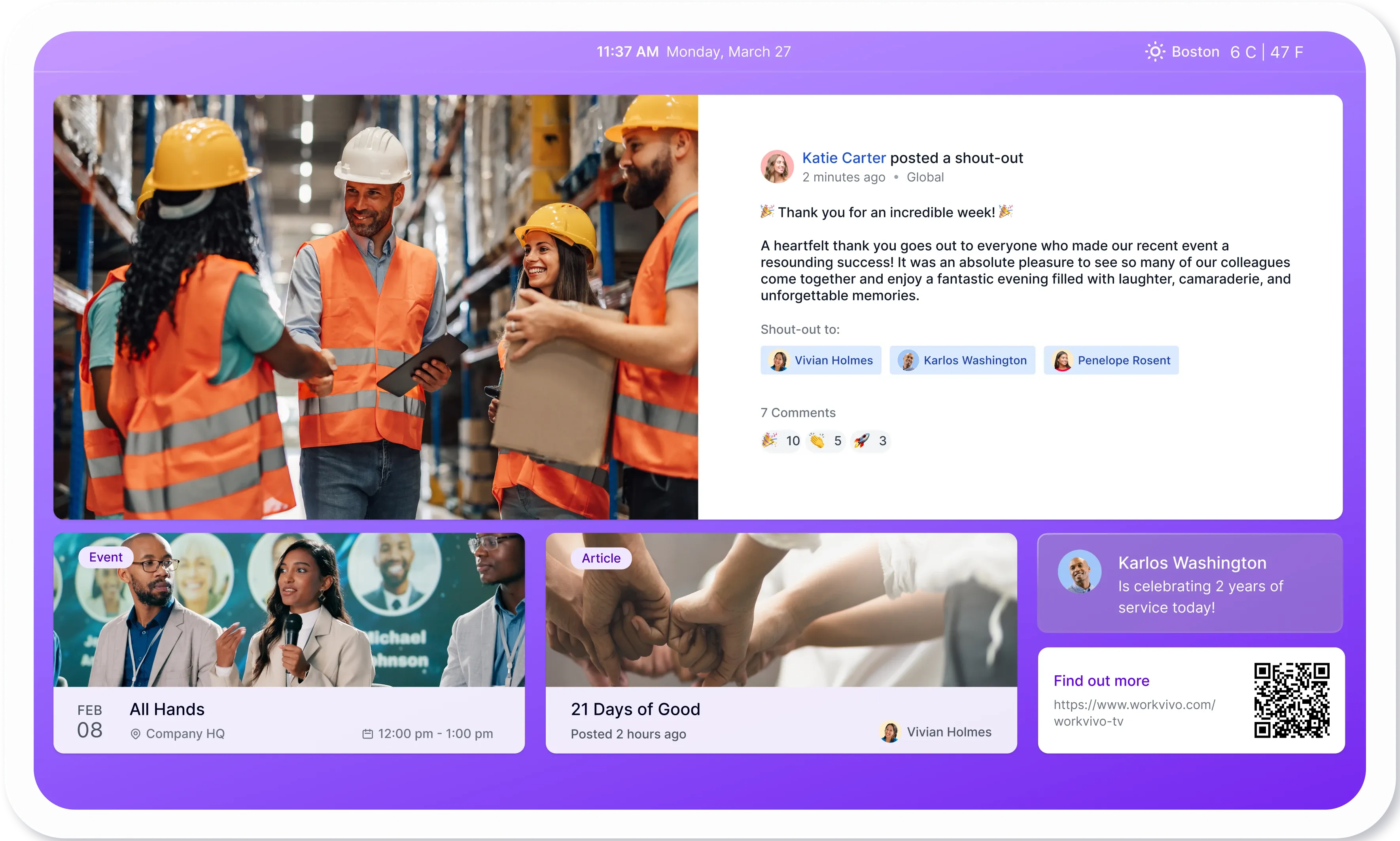
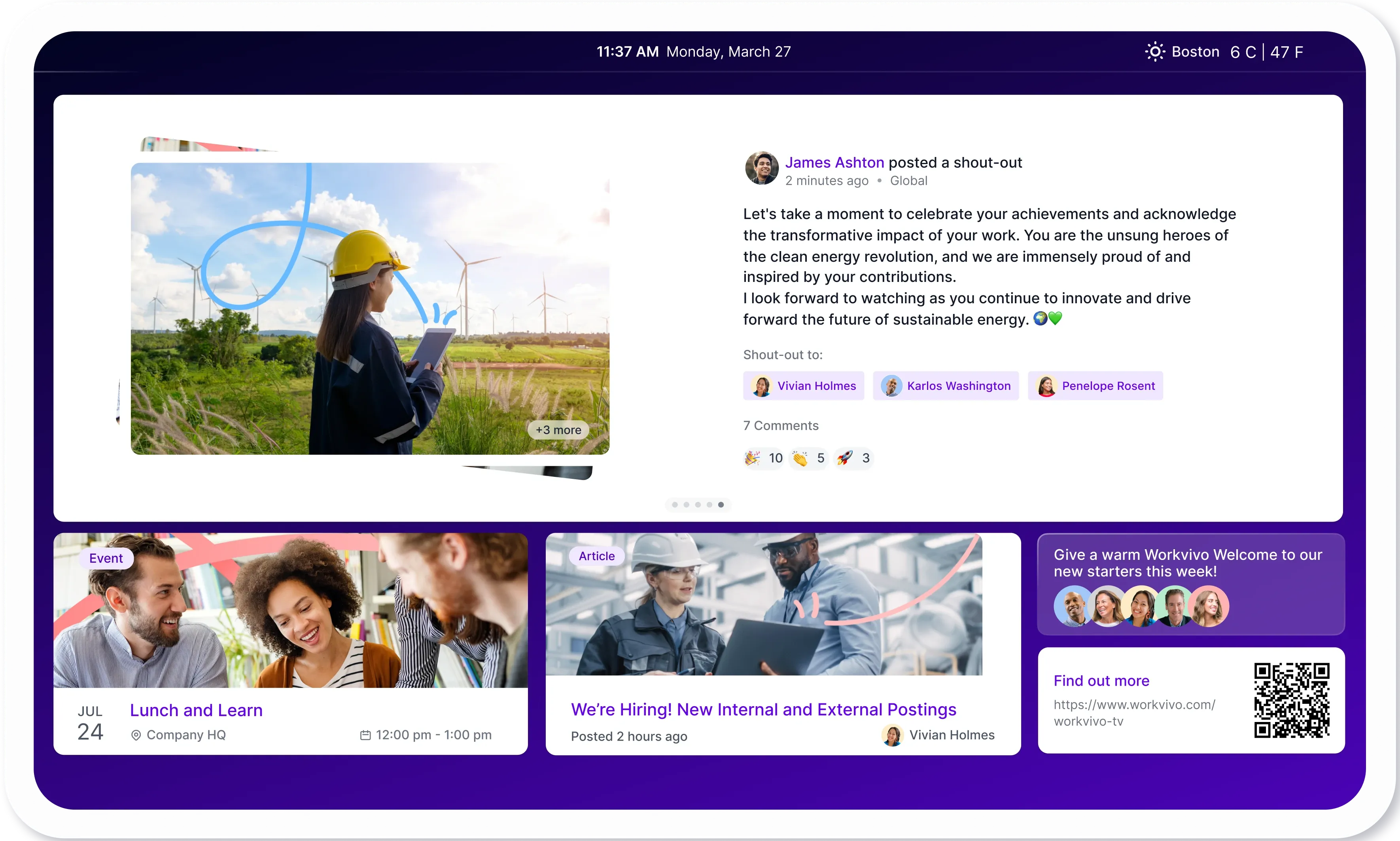
Workvivo TV connects directly to your existing platform and pushes live content to every smart TV, so you can keep everyone connected across all of your sites and offices.
No manual updates or separate systems. Just instant, always-current communication that flows from Workvivo to every screen across your organization – from factory floors to corporate lobbies.
Posts, recognition, events, and videos published in Workvivo appear automatically on your screens. No separate content creation, no manual refresh cycles – just live, engaging updates that keep every location connected to what's happening across the company.
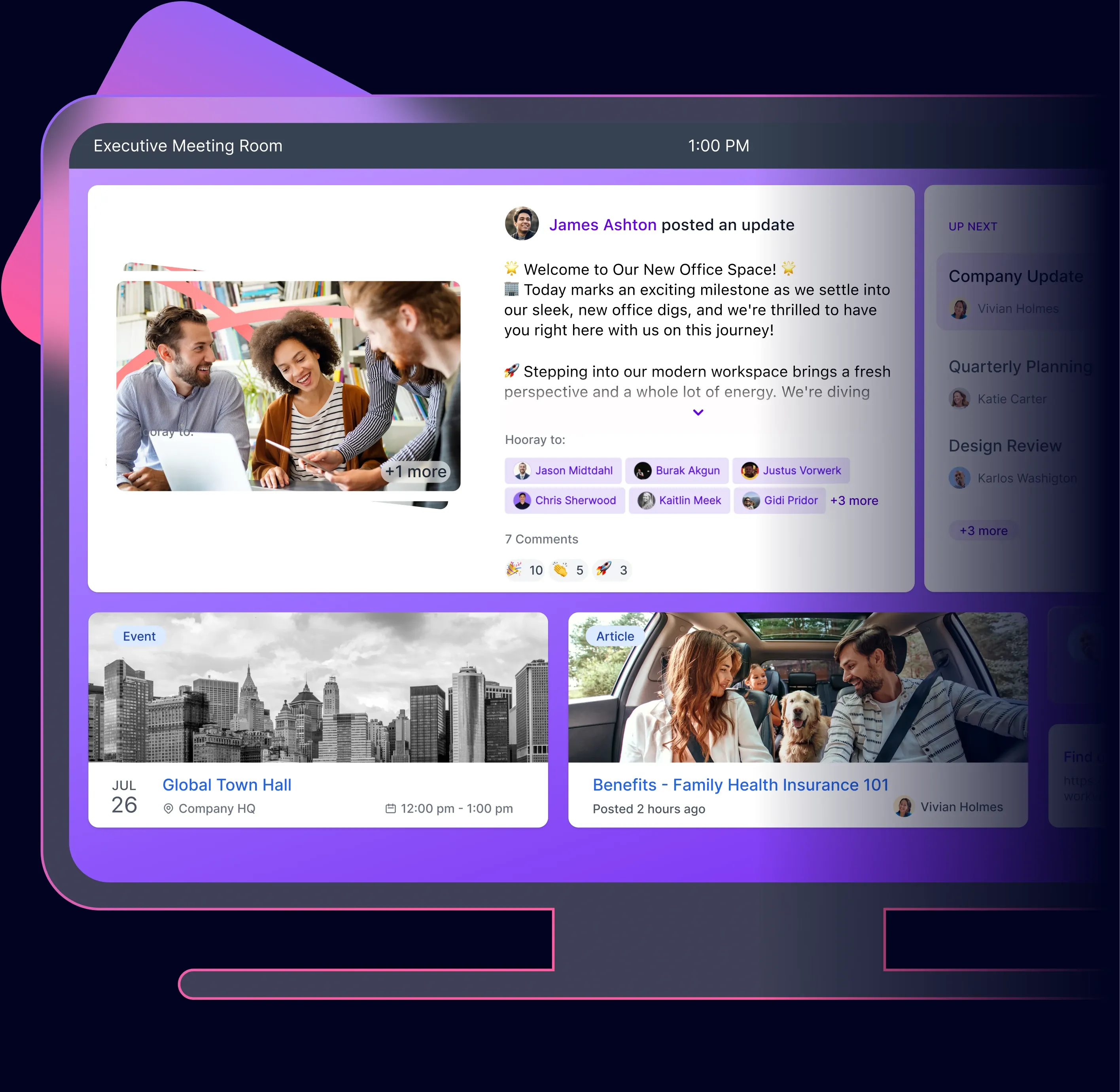
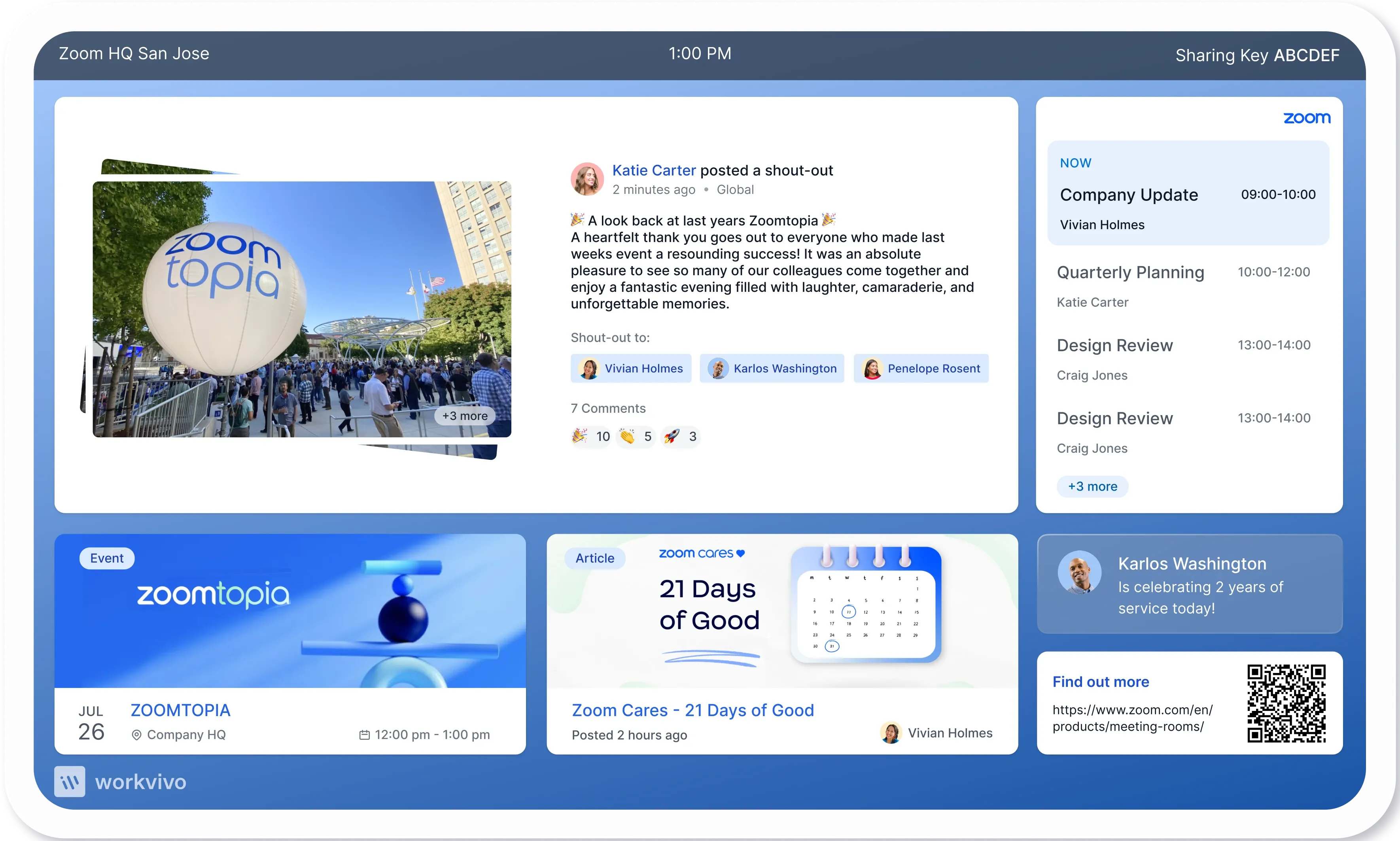
Workvivo TV runs natively inside Zoom Rooms – no additional hardware, separate login, or configuration per device. Deploy across every Zoom Room with a single click. From that moment, every screen shows live company content alongside the room's meeting schedule.
One content source for all screens
No manual updates or separate systems. Just instant, always-current communication that flows from Workvivo to every screen across your organization – from factory floors to corporate lobbies.
Dynamic, real time, content
Posts, recognition, events, and videos published in Workvivo appear automatically on your screens. No separate content creation, no manual refresh cycles – just live, engaging updates that keep every location connected to what's happening across the company.
Get more from Zoom Rooms
Workvivo TV runs natively inside Zoom Rooms – no additional hardware, separate login, or configuration per device. Deploy across every Zoom Room with a single click. From that moment, every screen shows live company content alongside the room's meeting schedule.

USE CASES
How Workvivo TV is used to connect all employees
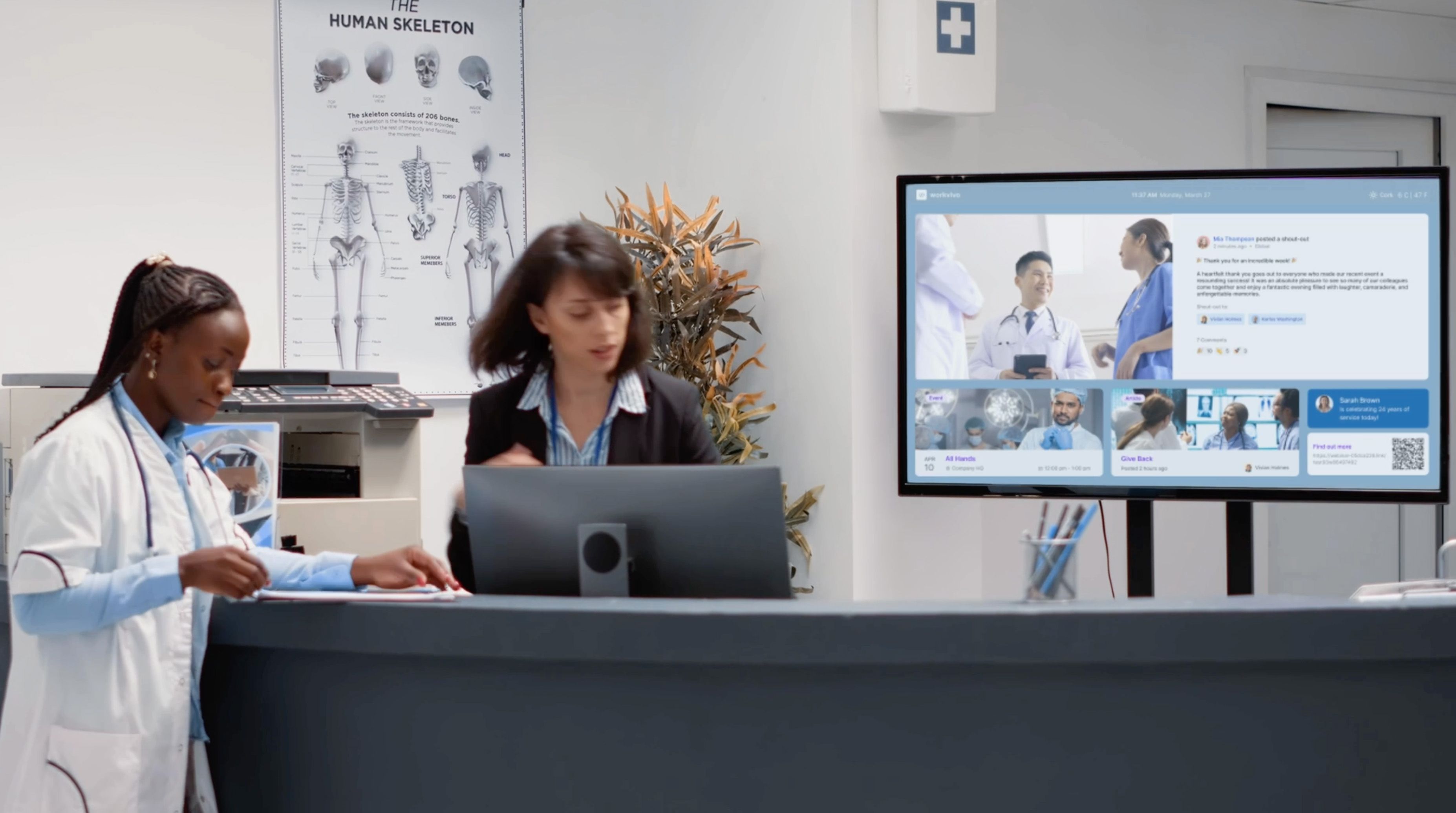

Operational communications
Your operations move fast – your screens should keep up
Examples:
- Real-time KPIs and production targets updated automatically throughout the day
- Urgent operational changes pushed instantly to relevant screens without going through IT
- Shift handover information displayed at the right time, in the right location
- Live alerts that keep floor managers and teams aligned without meetings
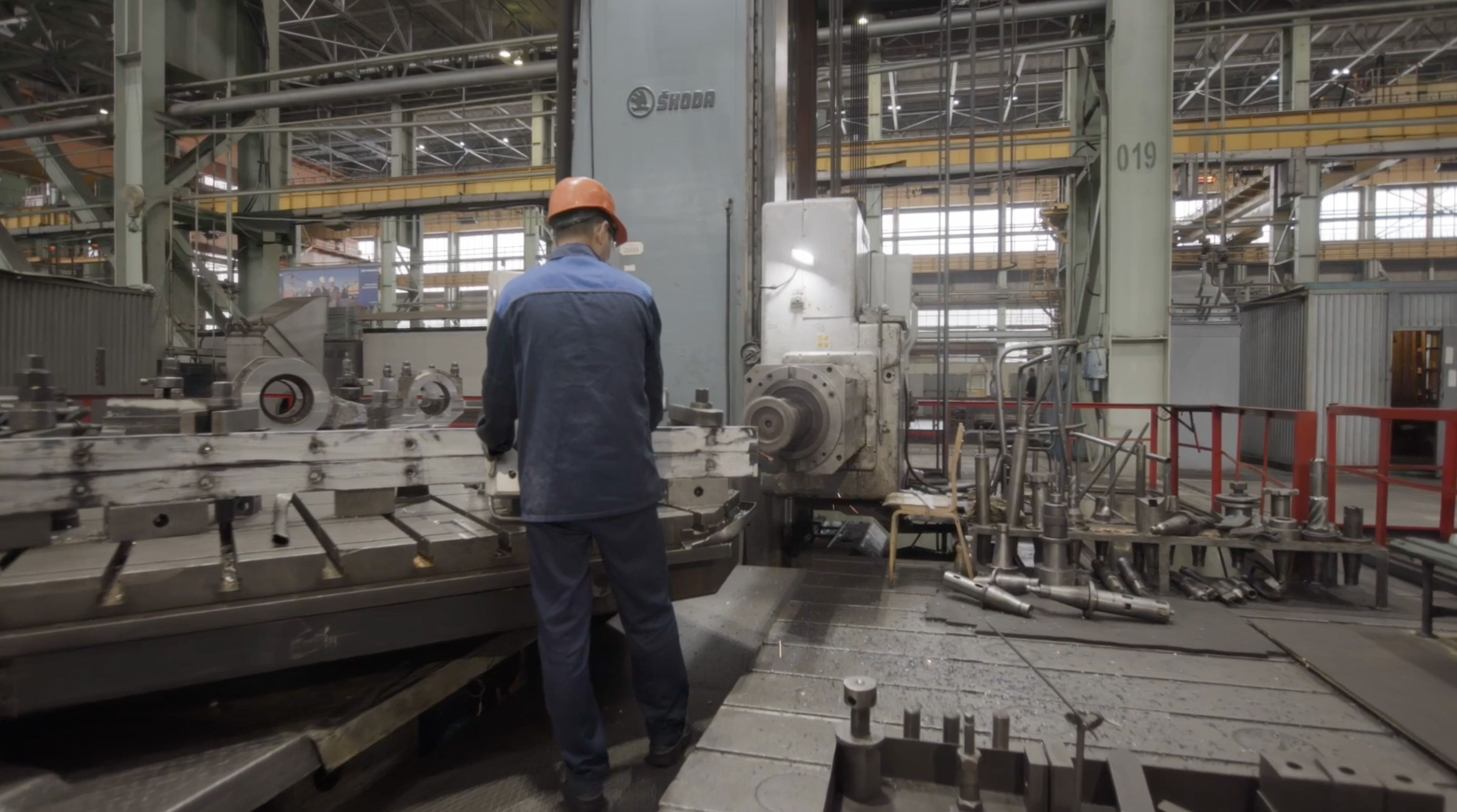

Reach the factory floor
For employees with no laptop, no company email, and busy hands
Examples:
- Safety announcements displayed instantly, no device required
- Shift schedules visible to every worker before they clock in
- Recognition surfaced where workers gather – break rooms, canteens, and factory floors
- Communications that reach every shift without relying on anyone checking their phone
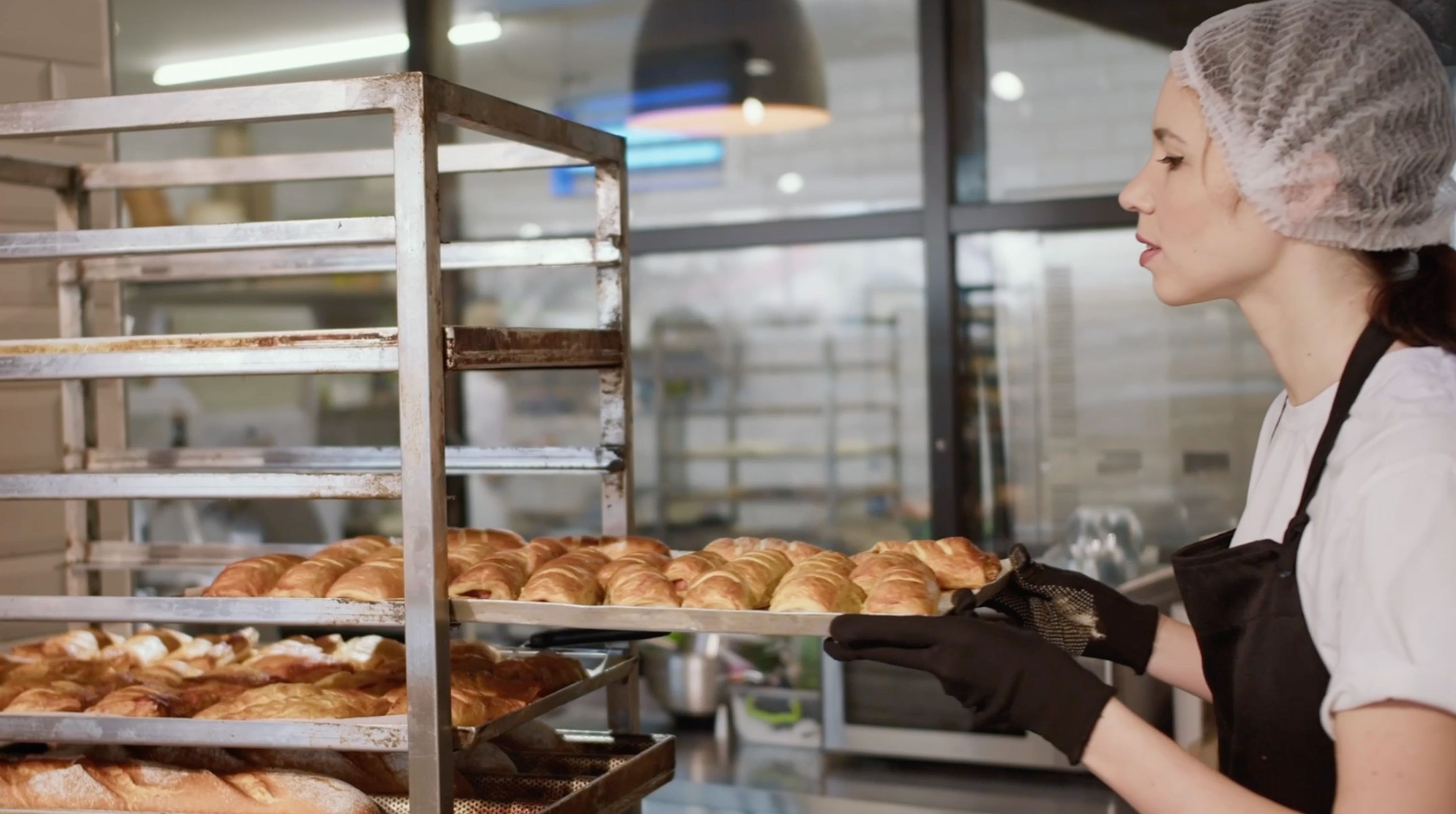

Inform retail teams
One message, on every screen, in every location
Examples:
- Product launches pushed directly to back-of-house screens across all stores
- Head office updates that reach every location simultaneously, in the same format
- Team recognition that travels across sites so every location feels connected
- One channel that replaces the patchwork of group chats, posters, and manager briefings
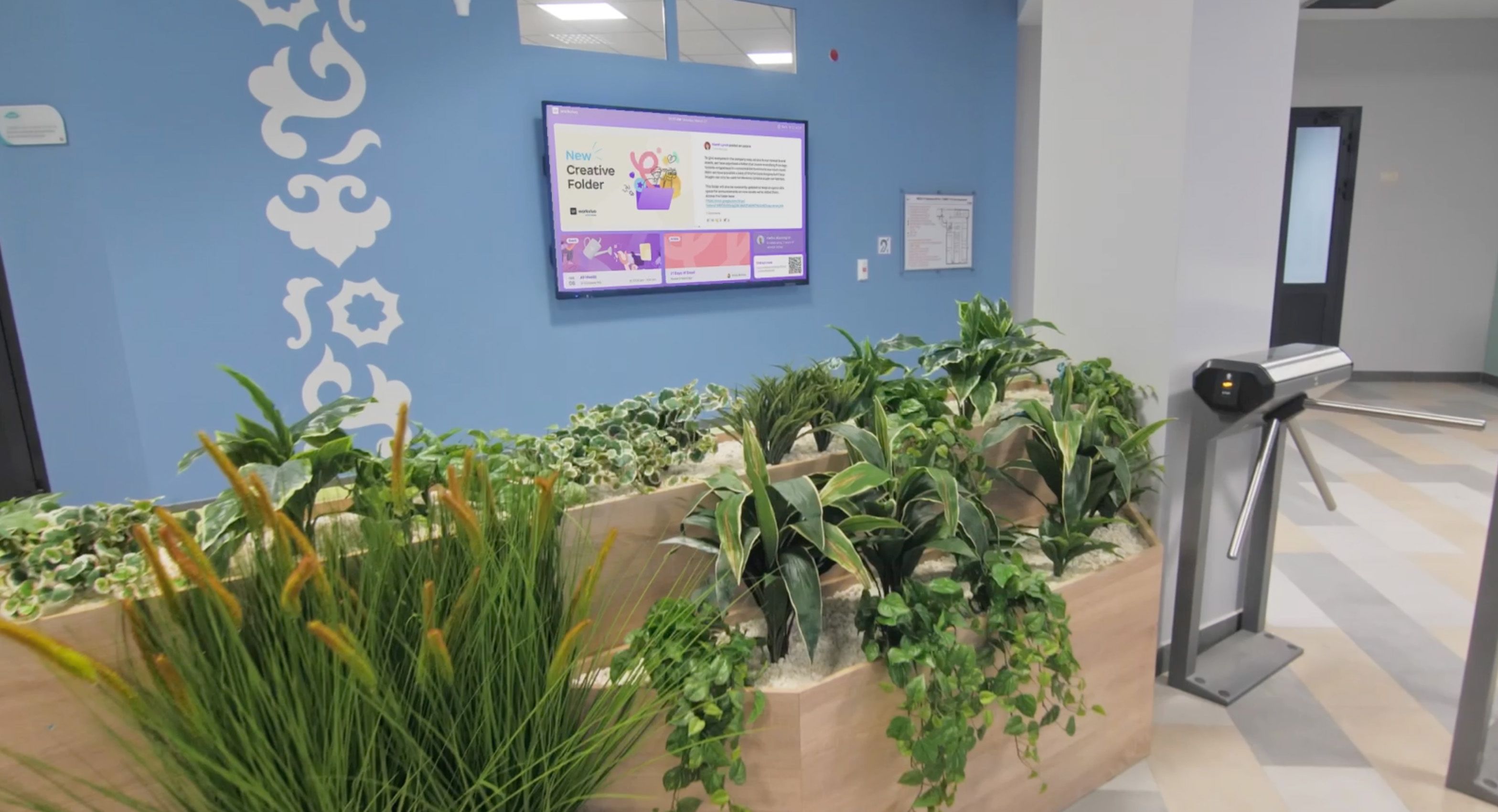

Culture in physical spaces
Opportunities for connection on each shift and every floor
Examples:
- Employee spotlights and recognition in high-traffic areas
- Leadership messages that build connection without an all-hands
- Events, values, and milestones that make culture visible to everyone who walks past
- Social feed content that keeps ambient culture alive throughout the day
FAQ
Questions we hear most about Workvivo TV
Workvivo TV works with any smart TV or display that supports standard web playback (JavaScript and cookies enabled). No proprietary hardware required. If your screens are already in place, they can likely run Workvivo TV without additional investment.
Everything is managed from a single central admin dashboard. You can assign specific content to specific locations or departments, schedule when content goes live, and update every screen in your estate simultaneously – without raising an IT ticket or touching a single device manually.
Workvivo TV displays Updates, Articles, Events, Shoutouts, Say Hi posts, Polls, Videos, and Posters. Available widgets include Activity Feed, Events, Articles, Today's schedule, QR Codes, and Weather – all pulled directly from Workvivo in real time.
No. Screens display content publicly within your authorized locations – no login, device, or app required. Frontline workers on factory floors, in warehouses, and in retail environments see company communications the moment they walk past a screen.
Yes. Workvivo TV runs natively inside Zoom Rooms, showing company news, upcoming events, and recognition alongside meeting schedules on the same screen. One-click deployment across all your Zoom Rooms, with no per-device login required.
Workvivo TV is a paid add-on. Speak to your account team or request a demo to understand what's included in your current plan and how to get screens live quickly.
Yes. Create dashboards with up to 10 templates including Summary, Poster, and Video layouts. Build playlists, reorder content, and configure timers per slide to match your communication needs.